Florida State Maps
Florida Adobe Illustrator Vector Maps
Download 24/7 • Royalty-Free • Simple and High Detail Vector Maps
-
Premier USA plus Terrain - $499
-
Premier USA - $399
-
Classic USA - State Maps with Counties, Capitals and Major Cities - $199
-
USA Outline Maps - PowerPoint Collection - $99
-
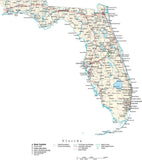
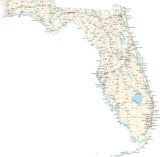
Poster Size High Detail Florida Map with Counties, Cities, Highways, Railroads, Airports, National Parks, and more
-
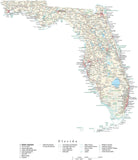
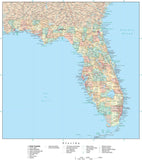
Florida Map with Counties, Cities, County Seats, Major Roads, Rivers and Lakes
-
Miami, FL Map - Metro Area - 2914 square miles - with Arterial and Major Road Network
-
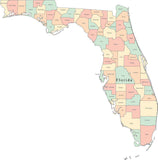
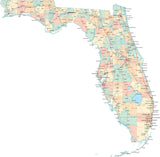
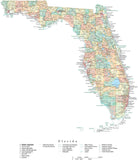
Multi Color Florida Map with Counties
-
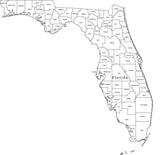
Black & White Florida Map with Counties
-
Atlas USA - $49
-
Premier USA with High Detail - $599
-
Poster Size High Detail Florida Map with Counties, Cities, Highways, Railroads, Airports, National Parks, and more
-
Florida Map - Fit Together Style
-
Florida Map with 113th Congressional Districts, Counties & Cities
-
Florida Map with 5 Digit Zip Codes
-
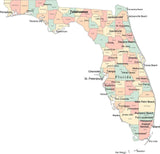
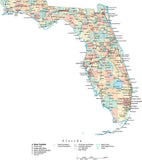
Multi Color Florida Map with Counties, Capitals and Major Cities
-
Florida Map with Counties, Cities, County Seats, Major Roads, Rivers and Lakes
-
Duval County, Florida Map with Arterial and Major Road Network
-
St. Johns County, Florida Map with Arterial and Major Road Network
-
Indian River County, Florida Map with Arterial and Major Road Network
-
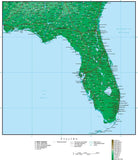
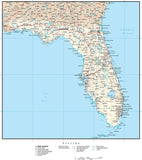
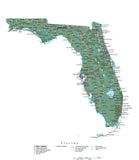
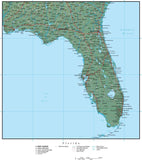
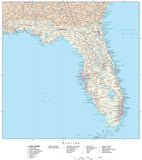
Florida Map Plus Terrain with Cities, Roads and Water Features
-
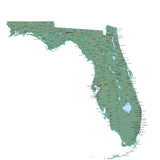
Florida Map - Fit Together Style Plus Terrain
-
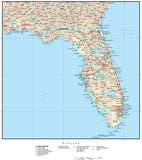
Florida Map with Capital, County Boundaries, Cities, Roads and Water Features
-
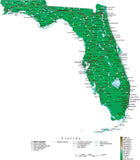
Florida Map with Contour Background
-
Florida Map Plus Terrain with Cities, Roads and Water Features
-
Florida Black & White Blank Outline Map
-
Florida Black & White Outline Map with Capital and Major Cities
-
Florida Map with Contour Background
-
Miami, FL Map - Metro Area - 2940 square miles - with Major Roads
-
Poster Size Florida Map with County Boundaries, Cities, Highways, National Parks, and more
Adobe Illustrator Format Maps
All our ".Ai" (Adobe Illustrator Format) maps are delivered as layered and fully editable Adobe Illustrator vector format files. You will need Adobe Illustrator (CS3 or later) to open and edit these maps. Our maps are saved in Adobe Illustrator CS3 file format, and are fully compatible with versions CS3, CS4, CS5 & CS6 for either Macintosh or Windows.
All features on our Illustrator vector maps are editable:
• All Map Areas - such as countries, states, counties, etc are closed vector objects so you can add or change the color fills
• All Lines - such as highways and rivers, are fully editable
• All Text - such as place names, state names, etc are fully editable font text (not outlines) so you can easily change the size, color, style, etc.
• High-Res Maps - because our maps are vector graphics, they can be scaled to any size and will print at the highest resolution
• Compatible - with a wide variety of Adobe products, including any version of Illustrator, Photoshop, AfterEffects, InDesign, Flash, etc.
• Layered - All features are in layers, so you can easily turn features on and off: see the Feature/Layer list for each map
Download a Free Map Sample in Adobe Illustrator Format:
You can download fully functional sample maps in Adobe Illustrator format.
View our Free Map Illustrator Training Videos on Using Maps in Ai Format:
To see how our Adobe Illustrator maps work, see the instructional map design videos on our Map Design Tips page.
You can use the tools in Adobe Illustrator to easily select and modify map features. For example, you could select an entire layer of area objects, line features, or text - and quickly change their color, line weight, or font.
Note on Terrain Maps:
All maps with "Terrain" in their map name also have a Photoshop "Background Relief Image" layer showing the terrain as shaded relief. This is a separate, linked Photoshop relief image file, 300 dpi CMYK color. This file can be opened and edited using Adobe Photoshop. The CMY (Cyan, Magenta, Yellow) channels show elevation color tints, and the K (black) channel shows grayscale hill shading. This file can be used as-is, and can also be modified separately to create a wide variety of map styles and appearances.
Note on Adobe Reader and Acrobat:
These maps cannot be edited with Adobe Reader, Adobe Acrobat or Adobe Acrobat Professional. If you do not have Illustrator, please consider our PowerPoint Maps.
Call us at 800-334-4291 or email us with any questions.